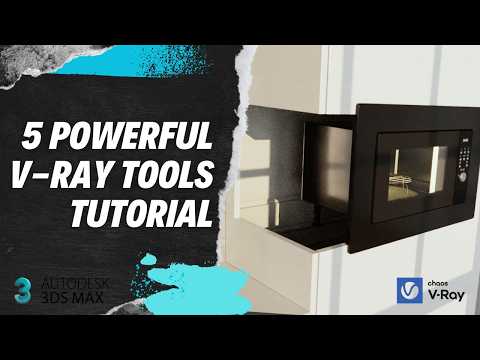
Mastering 3D rendering requires not just artistic vision, but also knowing the right tools to streamline your pipeline. As one of the most robust 3D modeling and rendering suites available, 3ds Max becomes infinitely more versatile when paired with Chaos V-Ray. Whether you are creating photorealistic architectural visualizations or detailed product designs, leveraging V-Ray’s advanced feature set can dramatically cut down production time while elevating visual quality.
5 Must-Use V-Ray Tools for Maximum Efficiency
To help you get the best results from your scenes, here are five indispensable V-Ray tools every artist should integrate into their daily workflow:
- V-Ray Frame Buffer (VFB): Far more than a simple render window, the VFB allows for real-time post-processing, layer adjustments, and exposure controls directly within your render view—reducing the need for external image editing software.
- V-Ray LightMix: This revolutionary feature lets you adjust the intensity and color of individual lights in real-time after the render is finished, saving hours of tedious re-rendering time.
- V-Ray Clipper: Perfect for architectural cutaways and complex geometry slices, this tool creates clean render-time cross-sections without permanently altering your original 3D assets.
- V-Ray Decal: Adding realistic surface details like dirt, leaks, stickers, or road markings is effortless with V-Ray Decal. It projects materials directly onto complex geometries without requiring intricate UV unwrapping.
- V-Ray Material Override: Crucial for lighting checks and test renders, this feature lets you temporarily replace all scene materials with a neutral clay shader to evaluate lighting balance instantly.
Elevate Your Visualizations with 3ds Max and V-Ray
Combining these powerful features allows artists to focus more on creativity and less on repetitive technical setups. Integrating these workflow enhancements directly inside 3ds Max streamlines lighting, texturing, and post-production tasks, allowing you to deliver hyper-realistic imagery under tight deadlines.
By taking full advantage of these five features, you will optimize scene management, speed up render times, and unlock the true rendering potential of 3ds Max. Start incorporating these tools into your next project to experience an immediate boost in rendering quality and efficiency!


