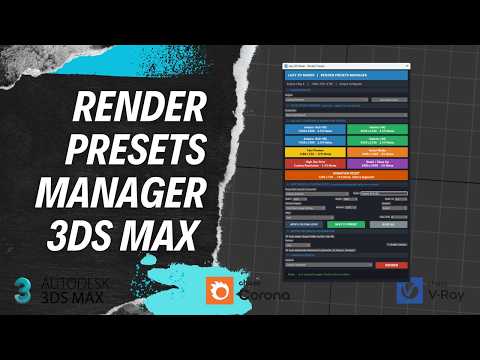
In the fast-paced world of 3D visualization, efficiency is everything. If you find yourself manually tweaking resolution, noise thresholds, and global illumination settings every time you switch between a quick test and a final production frame, you are losing valuable creative time. To stay competitive, professional artists are turning to automation tools like the Lazy 3D Maker - Render Presets Manager to streamline their 3ds Max vray projects.
Why Use a Render Preset Manager?
The standard 3ds Max preset system works, but it can be cumbersome when dealing with complex scenes. A dedicated Render Preset Manager allows you to save, categorize, and swap between different configurations with a single click. Whether you need a low-res preview for client feedback or a high-fidelity 4K output for your portfolio, having these settings ready at a moment's notice ensures consistency across your entire pipeline.
For anyone working heavily with 3ds Max vray, this tool is a game-changer. It eliminates the "human error" factor where a forgotten setting—like an overlooked displacement toggle or a low subdivs value—can ruin a multi-hour overnight render.
How to Install the Lazy 3D Maker Script
Setting up the script is straightforward and designed for artists who want to get back to work immediately.
- Download and Drag: Simply download the script file and drag it directly into the 3ds Max viewport.
- Run Script: Navigate to the "Scripting" menu and select "Run Script" if the automatic installer doesn't trigger.
- Customize Your Toolbar: For the best experience, add the Render Preset Manager to a custom toolbar or a quad menu so it is always accessible.
Optimizing Your Output
Once installed, you can begin building your library of "gold standard" settings. Start by creating a "Draft" preset with high noise thresholds and low resolution for lighting tests. Then, create a "Production" preset that maximizes the capabilities of 3ds Max vray for your final delivery.
By automating these repetitive tasks, you free up your brain to focus on what actually matters: composition, lighting, and storytelling. Stop fighting your software and start making it work for you. With the right preset management, you can transform a tedious technical process into a seamless, one-click operation.


