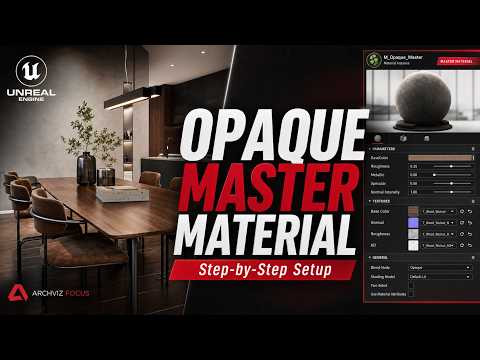
Unreal Engine has revolutionized architectural visualization, allowing artists to create photorealistic environments in real-time. However, managing dozens of individual materials can quickly become disorganized and inefficient. That is where a robust master material system comes into play. If you want to streamline your rendering workflow and achieve professional-grade results, using a dedicated Opaque Master Material for ArchViz is an absolute game-changer.
Why You Need an Opaque Master Material
In any real-time visualization project, opaque surfaces—such as concrete, wood, wall paint, and metal—make up the majority of your scene. Creating unique material graphs for every single asset consumes valuable RAM and slows down production.
A master material solves this problem by establishing a single, highly flexible base shader. By creating Material Instances from this single parent node, you can adjust parameters globally or individually without needing to recompile shaders every time you make a design change.
Key Features of the Free Opaque Setup
This free master material setup provides a comprehensive suite of controls designed specifically for high-end rendering requirements:
- Flexible Texture Tiling & Rotation: Easily adjust UV scaling and rotation to fit any architectural geometry perfectly without seam issues.
- Advanced Surface Controls: Fine-tune roughness intensity, metallic values, and specular reflections to match real-world physical properties.
- Normal Map & Detail Enhancement: Boost normal map depth or blend micro-detail textures to make close-up shots look incredibly crisp.
- Color Tinting & Albedo Controls: Tweak base color values on the fly without needing to edit source texture files in external software.
How to Optimize Your Workflow
Integrating this setup into your ArchViz pipeline is straightforward. Start by importing your high-resolution textures into Unreal Engine. Next, apply the free Opaque Master Material to your assets using Material Instances. Because instance parameters update instantly in the viewport, you can quickly iterate on lighting, surface roughness, and color palettes in real-time.
By standardizing your shading network, you not only improve scene performance but also maintain visual consistency across all assets in your project. Whether you are building complex interior spaces or expansive exterior environments, mastering this workflow will elevate the quality of your ArchViz renders while saving you countless hours of technical setup.


