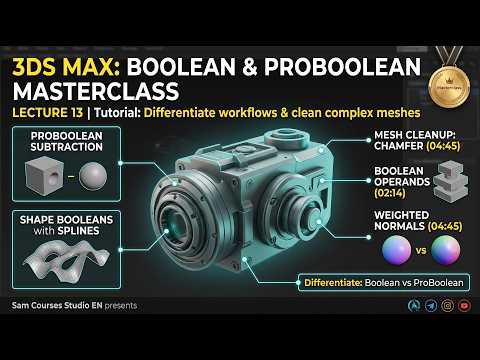
Welcome to a deep dive into one of the most fundamental yet powerful sets of tools in the world of 3D design. Whether you are creating intricate mechanical parts or architectural cutouts, understanding how to manipulate geometry through subtraction and addition is crucial. In this guide, we focus on mastering Boolean and ProBoolean operations within 3ds Max.
Understanding the Basics of Boolean Operations
Boolean operations are essentially mathematical actions applied to 3D geometry. They allow you to combine two or more objects in specific ways: Union (merging objects), Subtraction (using one object to cut a hole in another), and Intersection (keeping only the volume where two objects overlap). While standard Boolean tools have been a staple for years, they can sometimes produce messy topology if the geometry is not handled with care.
The Power of ProBoolean
For artists looking for more control and cleaner results, ProBoolean is the superior choice. Unlike the standard version, ProBoolean in 3ds Max allows for multiple operands. This means you can subtract several different shapes from a single base object simultaneously, rather than doing it one by one. ProBoolean also handles geometry processing much more efficiently, significantly reducing the likelihood of "shimmering" faces or degenerate polygons that often plague complex models. It offers a "cookie-cutter" approach that is indispensable for hard-surface modeling.
Tips for a Clean Workflow
To get the most out of these tools, it is vital to prepare your meshes properly before starting the operation. Here are a few best practices: * Check for Water-tight Geometry: Ensure your objects have no holes or missing faces. * Avoid Coincident Faces: Try not to have the faces of two objects perfectly overlapping in the same coordinates, as this can confuse the calculation engine. * Subdivide When Necessary: Having a balanced polygon density helps the software create cleaner edges during the cut.
Mastering these nuances will significantly speed up your production time and improve the quality of your renders. By integrating these advanced techniques into your 3ds Max workflow, you unlock the ability to create complex, high-fidelity models with ease. Start experimenting with these operations today and watch your modeling efficiency soar!


