In the fast-paced world of 3D design and architectural visualization, efficiency is everything. For professionals using 3ds Max, staying ahead of the curve means integrating the latest cloud-based tools into your existing pipeline. One such essential tool is the OmnibusCloud plugin, which bridges the gap between local design and powerful cloud resources.
Whether you are a seasoned veteran or a newcomer to the software, setting up your environment correctly is the first step toward a more streamlined rendering and collaboration process. In this guide, we will walk you through the simple steps to get OmnibusCloud up and running on the latest version of the software.
Step 1: Secure the MSI Installer
The first step in your installation journey begins at the official Omnibus portal. Once you have logged into your account, navigate to the downloads section. You are looking for a specifically signed MSI (Windows Installer) file designed for the 2027 version of the software. Using a signed installer ensures that the software is authentic and that your workstation remains secure throughout the setup process.
Step 2: Running the Installation
Once the download is complete, locate the MSI file in your downloads folder. Before proceeding, it is highly recommended that you close any active sessions of 3ds Max to prevent any file conflicts. Double-click the installer and follow the on-screen prompts. The installer is lightweight and designed to automatically path the necessary plugin files to the correct directories, saving you the hassle of manual configuration.
Step 3: Finalizing and Verification
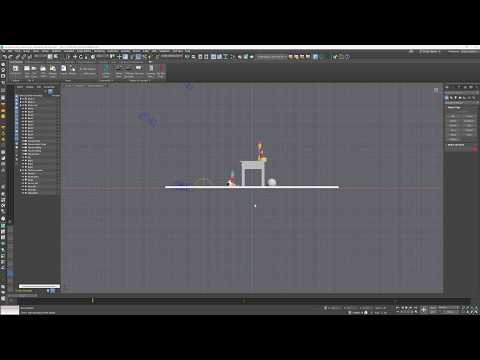
After the installation wizard completes, the final step is to initialize the plugin. Simply launch 3ds Max to allow the software to recognize the new addition to its ecosystem. Upon startup, you should see the OmnibusCloud interface or menu options available within your workspace.
By following these three simple steps—downloading the signed MSI, running the installer, and restarting your software—you unlock a new level of cloud connectivity. With OmnibusCloud now properly integrated into 3ds Max, you are ready to tackle more complex projects with the power of the cloud at your fingertips.


