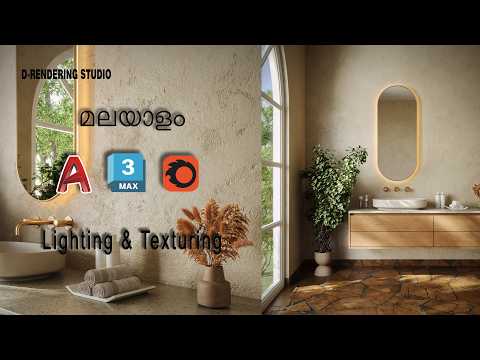
Creating a realistic interior space is one of the most rewarding challenges for any aspiring 3D artist. Among the various software options available, mastering 3ds Max remains a top priority for professionals in the architectural visualization and interior design industries. In this guide, we will break down the essential steps to creating a high-quality vanity room, focusing on the core principles of modeling, texturing, and lighting.
Building the Foundation: Modeling the Vanity
The first step in any interior project is creating a solid architectural base. For a vanity room, this involves modeling the desk, drawers, and the centerpiece—the mirror. For beginners, the best approach is to start with standard primitives like boxes and planes. By applying "Edit Poly" modifiers, you can extrude surfaces and chamfer edges to give the furniture a realistic, manufactured look. Precision is key here, as even small details like the handles on a drawer can significantly impact the final render's quality.
Bringing Realism with Texturing
Once your model is complete, the next phase is texturing. Texturing is where your 3D assets begin to look like real-world objects. For a vanity set, you will typically work with materials such as polished wood, glass, and highly reflective mirror surfaces. Creating a vanity model in 3ds Max allows you to experiment with Multi/Sub-Object materials, ensuring that the mirror frame and the glass pane have distinct physical properties. Pay close attention to the "Glossiness" and "Reflectivity" settings to ensure your surfaces interact naturally with the environment.
The Magic of Lighting and Rendering
Lighting is arguably the most critical element of interior visualization. It sets the mood and highlights the textures you worked so hard to create. For a vanity room, you want a mix of functional and aesthetic lighting. Placing soft rectangular lights around the mirror can simulate the "Hollywood" vanity style, while a subtle global illumination setup ensures the rest of the room feels warm and inviting.
Conclusion
Whether you are just starting your journey or looking to sharpen your skills, learning 3ds Max provides you with a powerful toolkit for high-end 3D production. By following a structured workflow—from basic geometry to advanced lighting—you can transform a simple concept into a professional-grade interior render. Keep practicing, experiment with different material presets, and soon you will be designing complex environments with ease.


