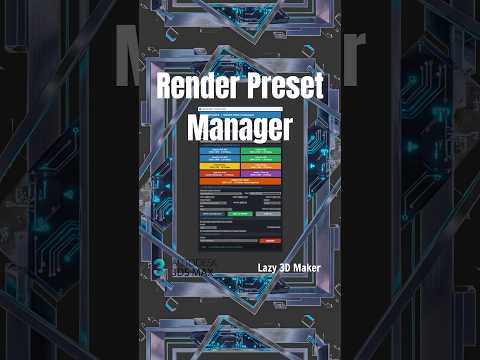
In the fast-paced world of 3D visualization, efficiency is the key to staying ahead of deadlines. One of the most overlooked features for optimizing your workflow is the Render Preset Manager. Whether you are working on architectural visualization or character design, mastering this tool will significantly speed up your 3ds Max rendering process by eliminating the need to manually re-configure settings for every new scene.
Why Use the Render Preset Manager?
Every 3D artist knows the frustration of repeatedly entering the same parameters for resolution, global illumination, and sampling. The Render Preset Manager allows you to save these specific configurations into a single file that can be loaded instantly. This is particularly useful when you need to switch between different lighting setups or output qualities. By creating a standardized library of presets, you ensure consistency across your projects and reduce the margin for human error during the final stages of production.
Enhancing Efficiency with Scripts
While the native tools in 3ds Max are robust, many professionals utilize additional tools like the "Lazy 3D Maker" script to further automate their tasks. Integrating scripts into your 3ds Max rendering pipeline allows for one-click setups, moving you from a blank viewport to a ready-to-render scene in seconds. These tools complement the Render Preset Manager by handling the "heavy lifting" of scene organization, allowing you to focus on the creative aspects of your 3D modeling.
Seamless Integration with V-Ray and Corona
One of the greatest strengths of using presets is their versatility across different engines. Whether you are a dedicated V-Ray user or prefer the intuitive nature of Corona Renderer, the Render Preset Manager handles both with ease. You can save dedicated "Test Render" presets for quick previews and "Final Quality" presets for high-resolution output. This versatility ensures that your 3ds Max rendering remains flexible, regardless of which engine the project requires.
Conclusion
Optimizing your production pipeline isn't just about having a faster computer; it is about working smarter. By leveraging the Render Preset Manager and helpful automation scripts, you can reclaim hours of lost time. Start building your personal preset library today and transform the way you approach your 3D projects.


