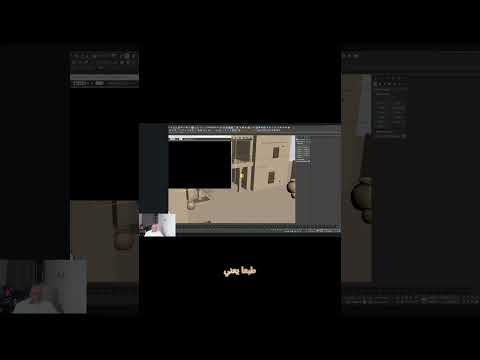
The landscape of 3D modeling and architectural visualization is evolving rapidly with the integration of advanced artificial intelligence. Tools like ChatGPT's GPT-6 Astra promise to revolutionize how designers generate initial concepts. However, generating a 3D model is only the first step in a much longer creative workflow. To see how these AI capabilities hold up in a professional environment, we tested an AI-assisted workflow using 3ds Max to review and refine a complex building model.
Generating Models vs. Refining Details
While AI tools can generate impressive structural ideas in seconds, they often lack the precision required for production-ready architecture. The initial generation might look visually striking, but designers must inspect critical elements such as geometry cleanups, scaling, texture mapping, and material accuracy. This is where human expertise becomes essential. An automated model might give you a solid starting point, but it is far from being a finished product ready for client presentation or rendering.
The Role of Professional Tools in AI Workflows
Importing the AI-generated concept into 3ds Max allows designers to thoroughly review every component of the building. In our evaluation, we focused on checking mesh integrity, aligning architectural elements, and optimizing polygon counts for seamless rendering. Designers can easily tweak lighting setups, refine complex shaders, and fix topology issues that AI models typically overlook. Professional software provides the granular control needed to transform a raw AI concept into a high-quality visualization.
Conclusion: AI as an Assistant, Not a Replacement
Ultimately, AI models like GPT-6 Astra serve as powerful catalysts for rapid prototyping, but they do not replace the skill and artistic judgment of a professional designer. Combining the speed of AI generation with the precision and flexibility of 3ds Max creates a powerful hybrid workflow that elevates project efficiency without sacrificing creative control.


