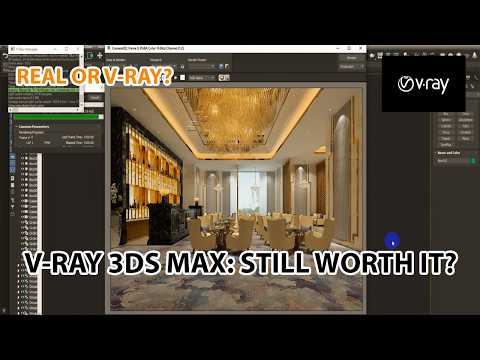
Architectural visualization has evolved dramatically over the past decade, and achieving true photorealism requires the right combination of software and rendering power. Among the top industry tools, the combination of 3ds Max vray stands out as the gold standard for architects, designers, and 3D artists worldwide. In this review, we dive deep into rendering workflows and explore how to maximize output quality for your architectural projects.
Why 3ds Max Vray Dominates Architectural Visualization
Creating lifelike materials, realistic lighting, and precise camera angles can be challenging. However, using 3ds Max vray streamlines this process by offering advanced global illumination algorithms, intuitive material editors, and powerful physical camera settings. Whether you are working on interior residential spaces or complex commercial exteriors, this dynamic pairing ensures that every reflection, shadow, and texture responds accurately to environmental light.
Key benefits of this rendering setup include: - Physical Lighting Models: Real-world light units for accurate light distribution. - V-Ray Frame Buffer (VFB): Built-in post-processing tools to fine-tune exposure, bloom, and color balance without needing external software. - Adaptive Lighting: Faster image-based lighting setups with significantly reduced render noise.
Key Performance and Optimization Tips
Achieving high-end render results without exponentially increasing render times is a crucial skill for every 3D professional. During our review, several techniques proved essential for optimizing performance:
- Optimize Light Samples: Keep light samples balanced to eliminate unwanted noise while avoiding unnecessarily long render times.
- Leverage AI Denoising: Utilize V-Ray’s built-in denoiser to achieve clean renders in a fraction of the usual render time.
- Fine-Tune Materials: Ensure Physically Based Rendering (PBR) workflows are implemented correctly to maintain consistent realism across different lighting environments.
Final Thoughts
Mastering 3ds Max vray is one of the most valuable steps you can take to elevate your architectural visualization portfolio. With continuous software updates and powerful new features, it remains an indispensable asset for turning architectural drafts into stunning, photorealistic imagery. Dedicated practice and structured training are the best ways to refine your workflow and produce broadcast-ready visual assets.


