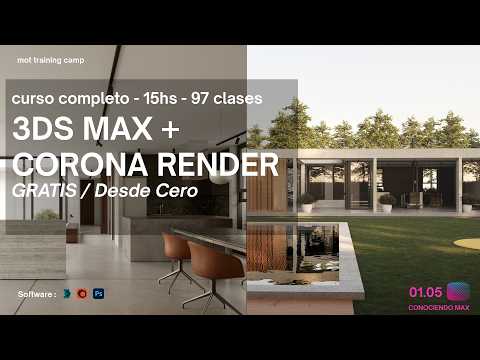
When diving into the world of 3D architectural visualization, mastering the 3ds Max viewport is one of the most crucial first steps you can take. The viewport acts as your primary window into the virtual world, allowing you to manipulate models, adjust camera angles, and compose your scenes with precision before sending them off to a render engine like Corona Renderer.
Understanding Viewport Layouts and Navigation
The interface of Autodesk 3ds Max provides several viewing modes to help you analyze your geometry from every angle. By default, you work with a traditional four-quadrant layout displaying the Top, Front, Left, and Perspective views.
Navigating these views efficiently saves countless hours during complex projects. Learning basic navigation shortcuts—such as zooming, panning, and orbiting around your selection—ensures you can seamlessly move around your 3D assets. Maximizing a single perspective view when detailing intricate furniture or architectural elements gives you a cleaner, distraction-free workspace.
Optimizing Performance for Smooth Workflows
Architectural scenes can quickly become dense with millions of polygons, high-resolution textures, and detailed lighting setups. Optimizing your 3ds Max viewport display settings allows you to work smoothly even with heavy architectural models.
Switching between visual styles like Wireframe, Shaded, and High Quality helps balance visual accuracy and hardware performance. For instance, using Wireframe mode while arranging heavy foliage, CAD blocks, or high-poly interior props prevents screen lag, ensuring your design process remains fast and responsive.
Bridging Viewports with Corona Renderer
Once your scene structure is organized in the viewport, setting up your lighting and camera compositions becomes intuitive. Modern rendering engines like Corona Renderer integrate seamlessly into the 3ds Max environment, providing real-time interactive previews directly inside your active workspace.
By learning how to effectively manage your 3ds Max viewport, you lay a solid foundation for producing photo-realistic renders. Whether you are a beginner building your very first architectural project or an experienced artist streamlining your production pipeline, efficient viewport management is essential for a faster, more productive 3D workflow.


