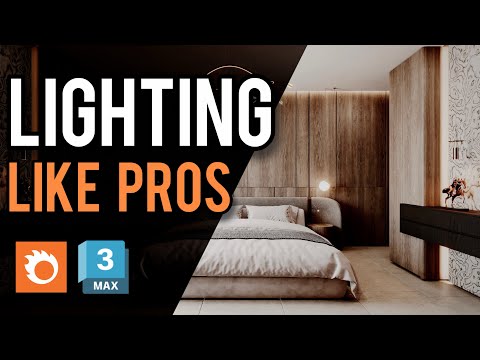
Are you looking to elevate your architectural renders from flat and basic to stunningly photorealistic? The secret lies in mastering 3ds Max lighting. Whether you are working on cozy interior scenes or grand exterior visualizations, proper illumination transforms fine details and brings real-world depth to your 3D models.
Using 3ds Max paired with Corona Renderer, you can achieve professional-grade results without complex setups. Here is how you can drastically improve your rendering quality in three simple steps.
Step 1: Set Up an Accurate Physical Environment
Every realistic render begins with a strong natural foundation. Start by setting up the native Corona Sun and Sky system. Instead of adding random light sources right away, focus on establishing correct sun positioning, realistic elevation, and proper intensity. This creates natural physical shadows and accurate light bounce throughout your scene, establishing a solid baseline for your overall composition.
Step 2: Take Control with Corona LightMix
One of the greatest advantages of modern 3ds Max lighting workflows is the Corona LightMix tool. Instead of spending hours re-rendering your scene to tweak brightness levels, LightMix allows you to adjust individual light intensities, colors, and temperatures in real-time during or after the render. Group your lights logically—such as natural sky light, primary interior fixtures, and accent lights—to maintain complete creative control over the final atmosphere.
Step 3: Layer Mood and Depth with Accent Lights
To make your renders look truly high-end, build visual interest using targeted artificial lighting. Incorporate subtle warm interior lamps, under-cabinet LED strips, or realistic IES light profiles to cast authentic shadow patterns on nearby surfaces. Balancing cool natural daylight with warm artificial accent lights creates a visually captivating contrast that instantly gives your architectural visualization a polished, cinematic look.
Final Thoughts
Upgrading your rendering output doesn't require endless tweaking or complicated scene files. By refining your approach to 3ds Max lighting, you can consistently produce breathtaking images that impress clients and elevate your portfolio. Start applying these three steps to your next Corona Renderer project and watch your visual quality transform!


