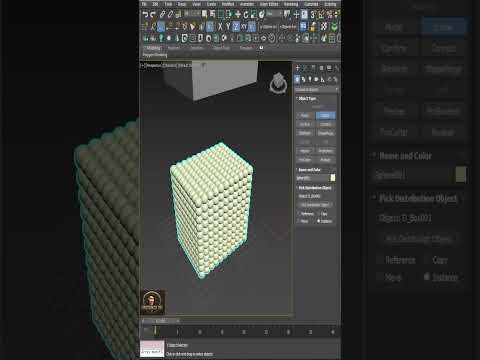
Creating realistic 3D environments often boils down to the finer details, such as how natural elements like trees, plants, and rocks are scattered across a landscape. Manual placement can take hours and frequently leads to an unnatural, repetitive look. Thankfully, mastering smart object scattering in 3ds Max allows you to populate your scenes realistically in just a few clicks.
Why Smart Object Scattering Matters
In architectural visualization (ArchViz) and environment design, randomness is the secret to believability. In the real world, nature rarely follows rigid grids or uniform spacing. By utilizing smart distribution techniques, you can introduce organic randomness—varying asset scale, rotation, and density across terrain without bloating your file size or slowing down your viewport.
Key Benefits of Smart Distribution
- Unmatched Speed: Populate massive outdoor spaces with dense foliage or ground details in seconds rather than spending hours positioning individual assets.
- Enhanced Realism: Automatic variation in rotation, height, and scale ensures that no two plants look identical, eliminating obvious pattern repetition.
- Non-Destructive Editing: Adjust distribution parameters on the fly, allowing you to fine-tune object density or swap plant models seamlessly at any stage of production.
Tips for Creating Natural Landscapes
To get the most out of smart scattering techniques within 3ds Max, keep these practical tips in mind:
- Combine Multiple Asset Types: Mix different species of trees, shrubs, and grass patches together to create rich, multi-layered vegetation.
- Use Slope and Surface Controls: Restrict asset placement based on terrain features so that plants grow where they naturally would (for example, keeping trees off steep cliffs).
- Optimize Scene Performance: Utilize render-time instances or proxy objects to keep viewport performance fluid while maintaining ultra-high geometric detail during rendering.
Conclusion
Transforming a flat 3D surface into a lush, believable environment doesn't have to be a tedious task. By leveraging smart element scattering in 3ds Max, you can drastically accelerate your production workflow while delivering stunning, photorealistic visuals. Give these techniques a try on your next project and watch your scenes come to life effortlessly!


