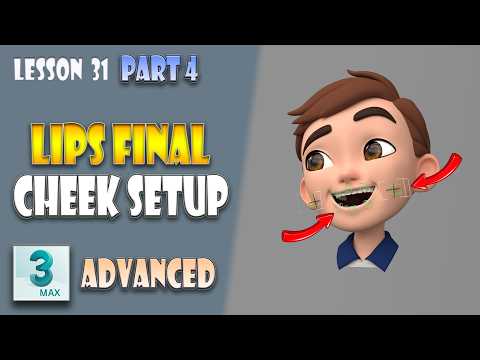
Creating realistic, expressive character animations is one of the most rewarding aspects of 3D production. When it comes to character work, learning advanced facial rigging techniques in 3ds Max is essential for delivering believable human emotions. In this guide, we will explore how to finalize lip rigging and construct a clean, efficient cheek setup to bring your 3D models to life.
Finalizing the Lip Rigging
The mouth is the centerpiece of facial expression and speech animation. Achieving a natural look requires more than just basic bone placement; it demands precise weight painting and smooth deformation control. During the finalization phase of lip rigging, the main goal is to polish constraint setups and ensure that corner mouth controls react smoothly without clipping or distorting the surrounding mesh. Fine-tuning these parameters ensures your character can speak and emote without visual artifacts.
Building a Clean Cheek Rig
Cheek movement is often overlooked, yet it plays a massive role in realistic expressions such as smiling, laughing, or squinting. Setting up a clean cheek rig involves placing control bones or helpers that drive the volume of the cheeks dynamically. By connecting cheek movements to the lip corners and eye controls, you create subtle micro-expressions that make the character feel genuinely human. Keeping the control hierarchy clean and organized in 3ds Max will save you countless hours during the animation phase.
Synchronizing Lips and Cheeks for Seamless Motion
The real magic happens when you synchronize the lip and cheek setups. In organic facial movement, muscles rarely move in isolation. For instance, when the corners of the mouth pull upward into a smile, the cheeks naturally push up toward the lower eyelids. Establishing driver relationships or custom attributes allows these controls to react automatically, giving animators an intuitive workflow while preserving complex anatomical interactions.
Take Your Rigging Skills to the Next Level
Mastering these intricate setups will drastically improve the overall quality of your character rigs. Whether you are working on video game assets or cinematic animation, mastering facial rigging in 3ds Max ensures your characters express authentic emotion. Practice these steps, keep your control structures organized, and watch your 3D characters come to life!


