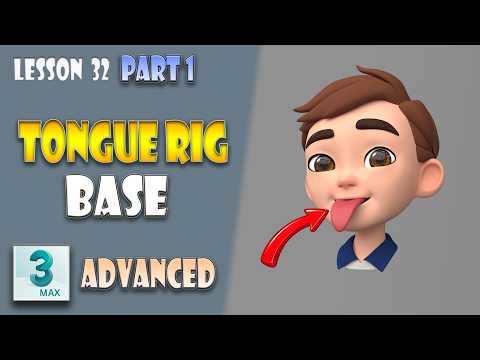
Facial rigging is one of the most crucial stages in 3D character creation, transforming a static mesh into a living, expressive character. Among the various components of facial animation, the tongue often presents unique deformation challenges. In this tutorial, we kick off the final stage of our skeletal setup by building a robust, production-ready tongue rig using 3ds Max.
Whether you are crafting characters for games, feature films, or real-time engines, mastering these rigging techniques will significantly enhance your character animation pipeline.
Building a Robust Tongue Base Setup
Creating an expressive tongue requires a flexible bone structure capable of realistic movement. The tongue is a complex muscle, so its underlying skeleton must support bending, twisting, and stretching without breaking the surrounding geometry.
During this setup, precision is key. You will learn how to position the base bones accurately inside the mouth cavity, establish solid skinning weights, and set up parent-child hierarchies that allow for natural motion. Proper orientation of the joint axes ensures that secondary movements—such as curling or flattening the tongue during lip-syncing—remain smooth and predictable.
Creating Intuitive UI Controls for Animators
A great rig is defined not only by its flexibility, but also by how easy it is for animators to use. Instead of selecting individual bones deep inside the character mesh, professional workflows rely on dedicated user interface (UI) controllers.
In 3ds Max, you can design custom visual controls that map directly to the tongue's underlying skeletal chain. By linking custom attributes and wire parameters to these visual handles, animators gain instant control over complex tongue movements. This approach speeds up the keyframing process and reduces the risk of accidental rig corruption during intensive production cycles.
Elevating Your Production Pipeline
Finalizing the tongue base and controller interface marks a major milestone in completing your character's facial rig. Implementing these custom control techniques in 3ds Max helps bridge the gap between technical rigging and artistic animation, allowing for subtle performance details that bring characters to life.
Ready to refine your rigging workflow and build production-ready rigs? Follow along with this lesson to upgrade your character setup skills today!


