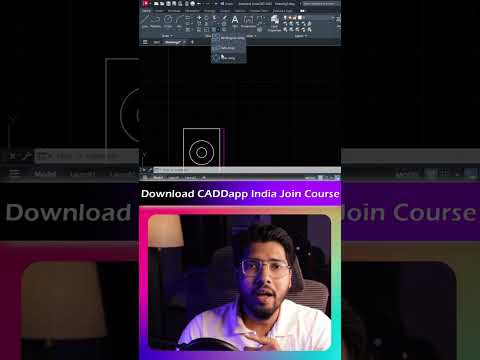
In the world of digital drafting and architectural design, efficiency is the key to a successful project. One of the most powerful yet underutilized tools in a designer's toolkit is the AutoCAD Array command. Whether you are creating a floor plan or preparing a base layout to be imported into 3ds Max, mastering arrays can significantly speed up your production workflow.
The Array command allows you to create multiple copies of objects in a specific pattern. Instead of manually copying and pasting elements like columns, windows, or seating arrangements, you can generate hundreds of perfectly spaced items in seconds.
Understanding the Rectangular Array
The Rectangular Array is designed for linear patterns. By defining the number of rows and columns, you can distribute objects across a 2D plane with mathematical precision. This is particularly useful for urban planning or structural layouts. For professionals who eventually move their 2D drafts into 3ds Max for high-end visualization, having a perfectly organized rectangular array in the CAD stage ensures that the 3D geometry remains clean and easy to manage.
Mastering the Polar Array
If your design requires a circular or radial pattern, the Polar Array is the tool for the job. By selecting a center point, you can rotate and duplicate objects around an axis. This is the go-to method for designing circular stairs, gear teeth, or round dining table setups. The flexibility to adjust the angle between items or the total fill angle makes it an indispensable feature for complex mechanical and architectural designs.
Why AutoCAD Precision Matters for 3D Artists
Precision in AutoCAD is the foundation of any great 3D render. While many artists prefer to handle complex spacing during the modeling phase in 3ds Max, setting up your arrays correctly in AutoCAD first prevents "drift" and measurement errors. By utilizing the Associative property of arrays, you can even modify the spacing or object count later without having to recreate the entire pattern from scratch.
By mastering both Rectangular and Polar arrays, you move beyond basic drafting and start building smarter, more scalable designs that serve as the perfect blueprint for any advanced 3D project.


