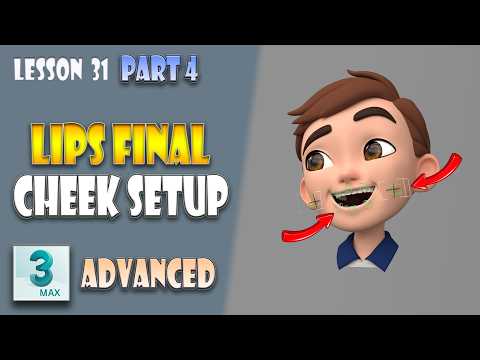
Creating believable character expressions is one of the most rewarding challenges in 3D animation. Among all facial features, the mouth and cheek areas require the highest degree of precision to achieve natural, fluid movements. If you want to elevate your character setup workflow, mastering facial rigging in 3ds Max is essential for achieving studio-quality results.
In this guide, we break down the final steps of lip rigging and explore how to construct a clean, highly functional cheek setup that synchronizes seamlessly with mouth movements.
Finalizing the Lip Rigging System
The lips are dynamic and constantly shifting during speech and emotional expressions. Finalizing the lip rig involves fine-tuning control points, ensuring smooth deformation along the lip curves, and setting up proper constraints.
By carefully structuring your control objects, animators gain intuitive control over subtle details like corner pinches, lip rolls, and seal targets. A solid lip framework ensures that the mesh deforms naturally without unnatural stretching or volume loss.
Setting Up a Clean Cheek Rig
Cheeks play a vital role in conveying emotion—from subtle smiles to drastic expressions. However, a cluttered setup can hinder performance and complicate the animation process.
Building a clean cheek setup focuses on establishing lightweight, predictable joint behaviors and helper controls. Connecting cheek deformers directly to corner lip controls creates automatic, believable weight shifts whenever the mouth moves. This interconnected approach saves animators time while producing far more organic facial deformations when creating realistic expressive characters in 3ds Max.
Synchronizing Controls for Seamless Animation
The secret to realistic facial mechanics lies in synchronization. When constructing advanced character setups, linking the lower face controls ensures that movements flow logically across the mesh.
By integrating reaction controllers, wire parameters, or custom attribute sliders, the lip and cheek systems work together harmoniously. This cohesive structure prevents mesh clipping, reduces setup complexity, and simplifies the animator’s workload during production.
Conclusion
Refining your lip and cheek setups will dramatically improve the quality and appeal of your character's facial expressions. Apply these techniques to your pipeline today and take your 3ds Max character animation skills to the next level!


