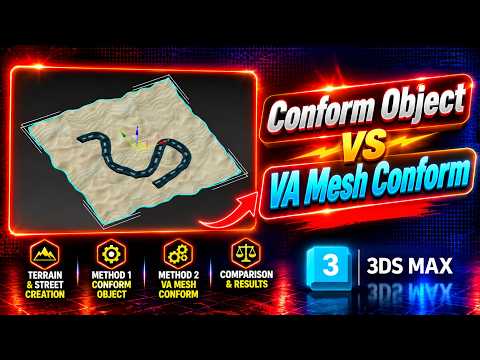
Creating realistic environments in 3D visualization often requires seamlessly blending man-made structures with natural landscapes. One of the most common challenges artists face is projecting flat objects, like roads or pathways, onto uneven ground. Mastering landscape integration is a critical skill in modern 3ds Max modeling, allowing you to create believable outdoor scenes efficiently.
In this guide, we will break down two effective methods for conforming roads to terrain in 3ds Max: using the native Conform Object compound tool and leveraging VA Mesh.
Method 1: The Native Conform Object Tool
The built-in Conform tool in 3ds Max is the most accessible method because it requires no extra plugins. Found under the Compound Objects menu, this tool projects the vertices of a target object (your road) along a specified axis onto a wrapper object (your terrain).
How to use it: 1. Position your road object directly above the terrain model. 2. Select the road, navigate to Create > Compound Objects > Conform. 3. Click Pick Target and select your terrain surface. 4. Adjust the Standoff Distance to ensure the road sits slightly above the ground plane to prevent z-fighting.
While quick and convenient, the native Conform tool can sometimes deform complex geometry unevenly, making proper topology management crucial before projecting.
Method 2: Precision Alignment with VA Mesh
For artists seeking more advanced control and cleaner geometry in their 3ds Max modeling workflow, utilizing VA Mesh offers a powerful alternative.
Unlike standard projection methods, VA Mesh provides enhanced precision for surface wrapping, keeping your edge flow intact while smoothly conforming the road shape to intricate topography.
Key advantages: * Preserved Topology: Maintains your original road mesh structure without causing unwanted geometric distortion. * Custom Offset Controls: Easily adjust height variations for curb details, asphalt thickness, or ditch alignments. * Faster Performance: Handles high-poly terrains with smoother interactive performance compared to standard compound operations.
Which Method Should You Choose?
If you need a fast, built-in solution for simple surfaces, the default Conform Object gets the job done without installing additional tools. However, for complex architectural visualization or game environment design requiring clean mesh flow, integrating VA Mesh yields superior results.
By adding both techniques to your 3ds Max modeling toolkit, you can drastically speed up your environment design workflow and achieve professional landscape alignment every time.


