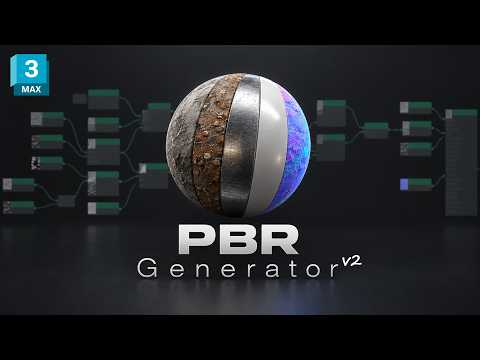
Creating realistic Physically Based Rendering (PBR) materials manually can be one of the most time-consuming parts of a 3D artist’s pipeline. From organizing maps to tweaking shader parameters, setting up complex materials often eats into valuable creative time. Fortunately, finding an efficient 3ds Max script can streamline your texturing workflow and boost your productivity instantly.
Enter PBR Generator 2.0, a powerful tool designed to automate material conversion and PBR texture creation within Autodesk 3ds Max.
What is PBR Generator 2.0?
PBR Generator 2.0 is designed to bridge the gap between legacy or complex material setups and modern PBR standards. Instead of spending hours rebuilding shaders node-by-node, this script allows 3D generalists, architectural visualizers, and game developers to convert existing assets into production-ready PBR materials with minimal effort.
By integrating a specialized 3ds Max script like PBR Generator 2.0 into your daily routine, you eliminate repetitive map assignments and focus more on fine-tuning the look and feel of your scene.
Key Features and Benefits
- Automated Material Conversion: Seamlessly translate complex legacy materials into standard or physical PBR shaders without losing essential texture data.
- One-Click Texture Generation: Automatically generate essential PBR channels—such as Albedo, Roughness, Metallic, Normal, and Ambient Occlusion—directly inside your environment.
- Enhanced Pipeline Efficiency: Whether you manage large architectural scenes or dense game environments, using a dedicated 3ds Max script speeds up scene preparation and reduces render setup time significantly.
- User-Friendly Interface: The intuitive script layout makes it easy for both beginners and seasoned professionals to adopt without a steep learning curve.
Why You Should Upgrade Your Workflow
In modern 3D production, speed and consistency are vital. PBR Generator 2.0 ensures that your materials adhere to photorealistic lighting models while maintaining a clean, organized material editor setup. By automating the conversion process, you avoid human error and ensure texture maps are linked correctly across all assets.
Conclusion
If you want to optimize your texturing pipeline and save precious hours on every project, PBR Generator 2.0 is an indispensable addition to your toolset. Give your assets the photorealistic detail they deserve while keeping your workflow clean, fast, and modern.


